 SkillTrending
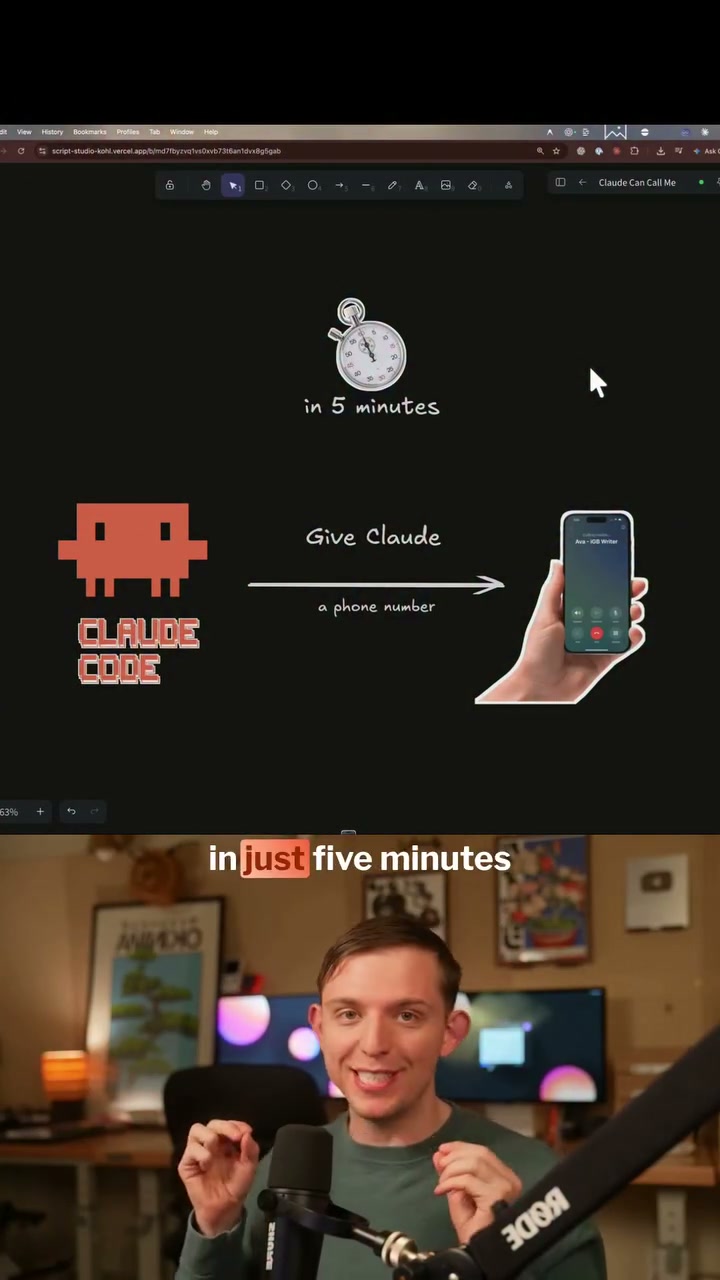
Call Me · Bland.ai
Lets a Claude or Codex workflow place one explicitly approved Bland.ai call when a task-blocking decision needs the user’s answer.
0 downloads0 comments
SkillTrendingPublisher package
A safe local setup guide for connecting the open-source Jarvis voice assistant to Claude Code through a browser-based voice interface.
NEXTMADE
No NEXTMADE activity has been recorded yet.
SOURCE SNAPSHOT
Source metrics have not been captured. Missing values are never estimated.
MOMENTUM
Source velocity: 0 · NEXTMADE activity: 0
A single lifetime source total is not treated as momentum.
jarvis-voice-bridge/SKILL.md 4 KBSetup + verification guide IncludedClaude integration metadata IncludedA 55-second overview of the local Jarvis voice bridge setup and its approval safeguards.
Jarvis upstream project · Publisher-provided setup guide
SkillTrendingLets a Claude or Codex workflow place one explicitly approved Bland.ai call when a task-blocking decision needs the user’s answer.
0 downloads0 comments
 SkillTrending
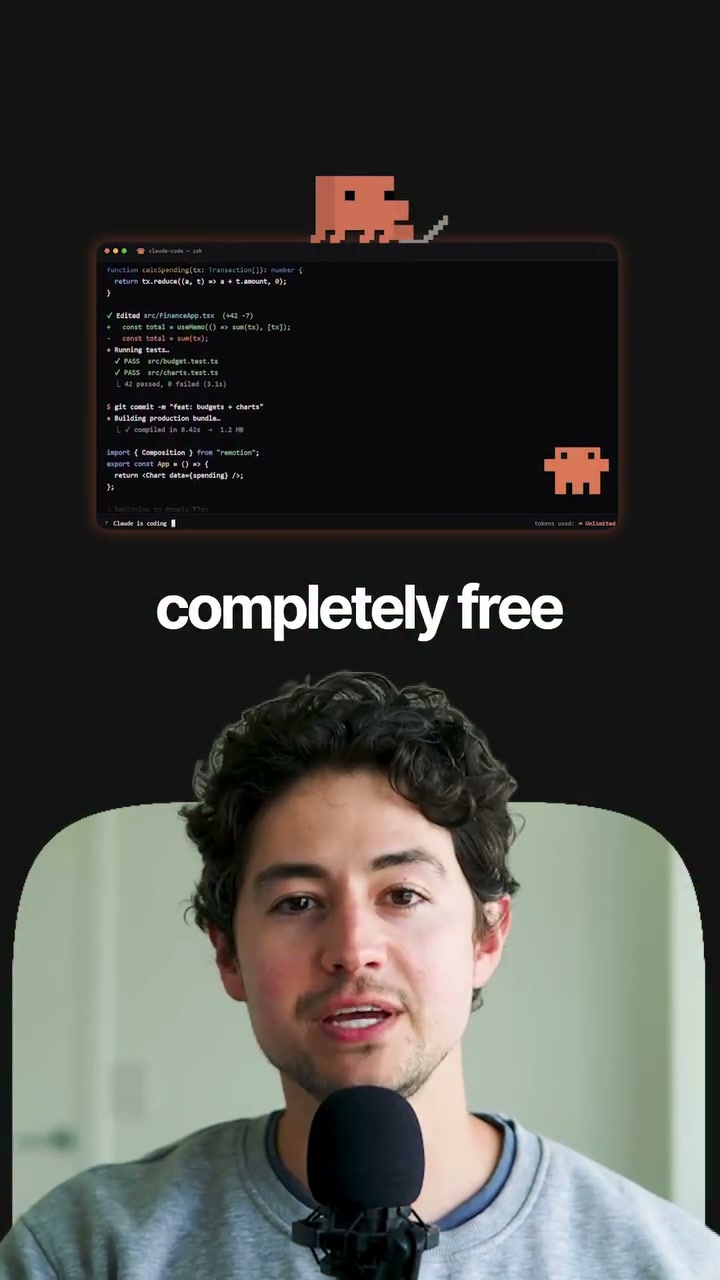
A self-hostable AI gateway that routes compatible coding tools through a single local endpoint, with provider fallback and local-first controls.
0 downloads0 comments
 SkillTrending
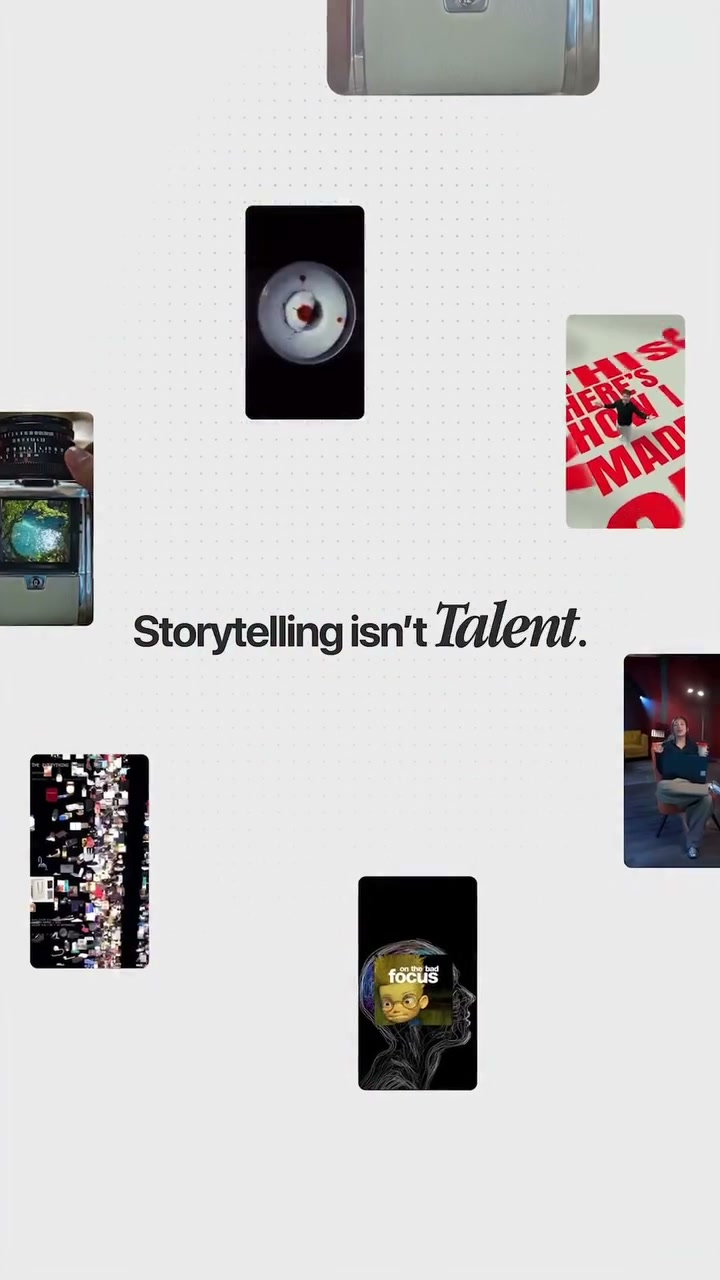
Turns a real video topic into filmable 0–3 second openings, captions, first frames and proof beats—with clear evidence labels.
0 downloads0 comments
 SkillTrending
A guided workflow for recreating an authorized source video with an authorized character reference while retaining its motion, framing and timing.
0 downloads0 comments
Comments Preview demo data
No comments yet.